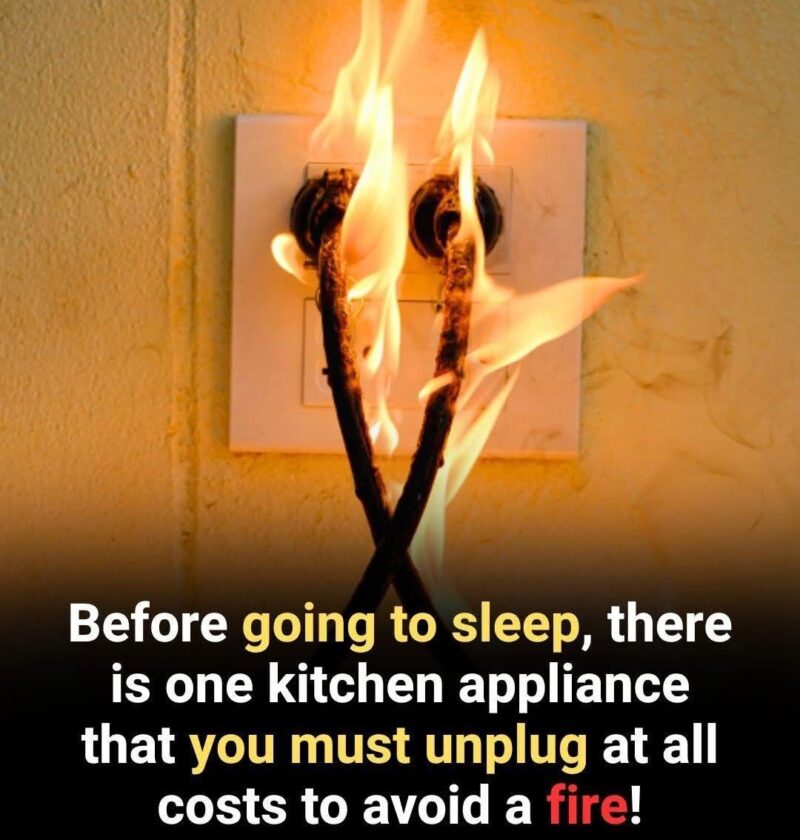
The idea behind this warning is that some household appliances can continue using standby power (“phantom load”) even when they appear to be off. Unplugging certain devices can reduce energy use and may lower some risks, but not every appliance needs to be unplugged after every use.
5 appliances worth considering unplugging when not in use:
- Small kitchen appliances
- Examples: toaster, blender, coffee maker, air fryer
- Many draw a small amount of standby power, and unplugging them can also reduce risk if they have faulty wiring or are rarely used.
- Phone and laptop chargers
- Chargers left plugged in may continue drawing a small amount of electricity even without a device connected.
- Unplugging also helps protect against potential overheating from damaged chargers.
- Gaming consoles and entertainment devices
- Examples: game consoles, streaming boxes, sound systems
- These often use standby power for updates and quick-start features.
- Desktop computers and accessories
- Computers, monitors, printers, and speakers can consume power while idle.
- A power strip with an on/off switch can make it easier to disconnect them.
- Older appliances or rarely used devices
- Examples: old TVs, spare refrigerators, unused electronics
- Older equipment may be less energy-efficient and may have aging components.
Appliances you usually should not unplug regularly:
- Refrigerators and freezers (food safety depends on continuous operation)
- Medical devices
- Wi-Fi routers (unless you intentionally want to disconnect them)
- Security systems
- Appliances with settings you need to maintain
A practical approach is to use smart plugs or switched power strips for groups of electronics so you can cut standby power easily without constantly unplugging cords.